Every stale account, MFA gap, and wasted seat — found before your auditor finds it.
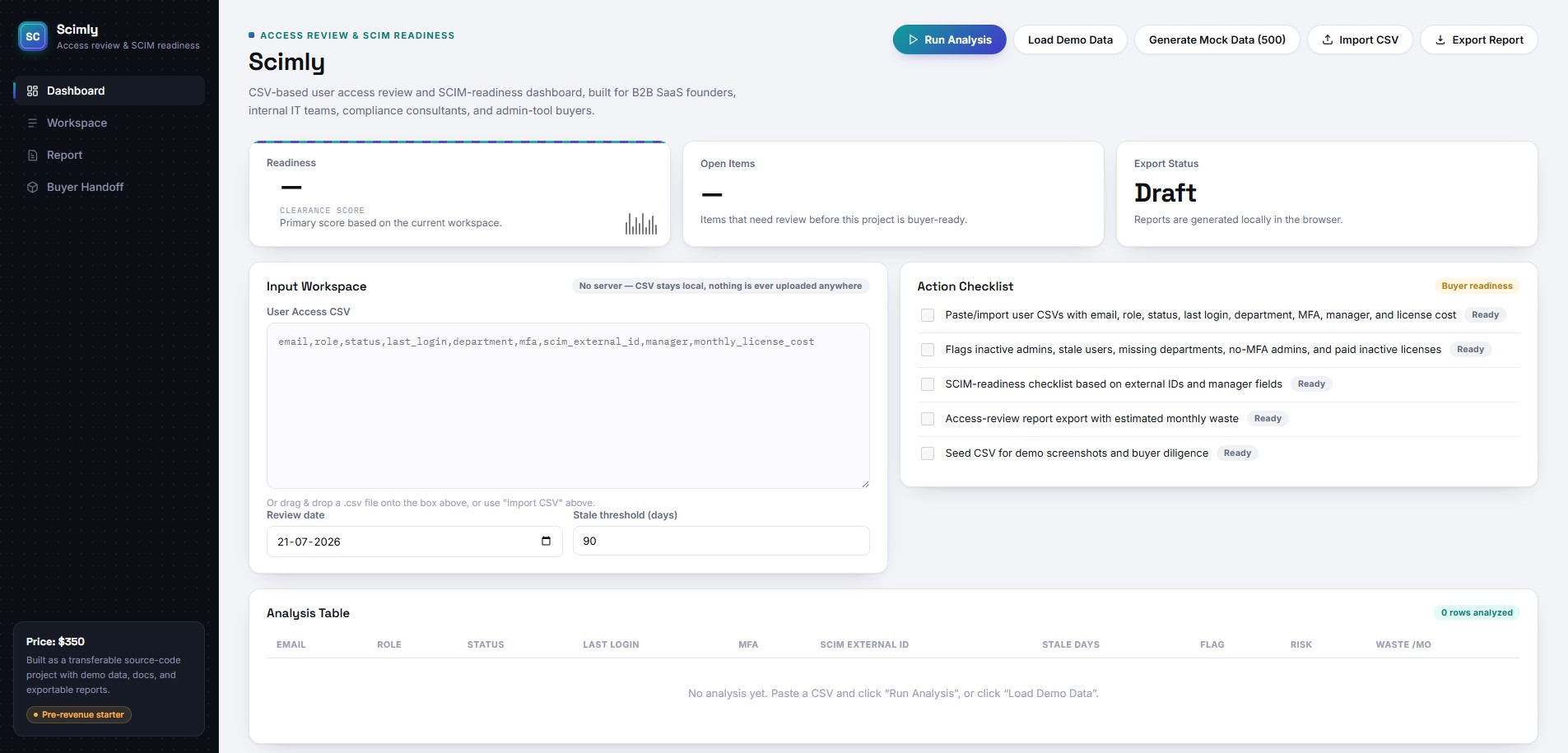
Drop in a raw user-access export, or connect Google Workspace and Microsoft Entra ID live. Guard reads it, cleans it, and hands back a readiness score and remediation plan in under a minute — entirely on your own device.
Bring a CSV, or connect the real thing
Every edition reads your data the way you already have it — messy export or live directory.
Base Edition
Parses any raw user-access export — handles messy formatting, inconsistent dates, and alternate cost structures without a template.
Google Workspace
Pulls your real-time user and admin structure via secure local OAuth — no client secret required, no data leaves your device.
Microsoft Entra ID
Connects via MSAL.js + PKCE to query Microsoft Graph directly, with no backend infrastructure in between.
Security risk analytics, run automatically
Guard runs the same checks a senior consultant would — just faster, and every time.
Users and admins past a configurable inactivity threshold.
Admin accounts operating without multi-factor authentication.
Missing SCIM external IDs — accounts never provisioned through SSO/SCIM.
Missing department metadata, unassigned managers, duplicate emails.
Exact monthly and annualized cost of active-but-inactive paid seats.
User counts, high-risk flags, and wasted dollars by team.
An executive-style output, not a raw data dump
Everything below is generated automatically once analysis finishes — no manual chart-building.
Readiness at a glance
- Overall readiness score (e.g. 51/100)
- Risk distribution donut & bar charts
- MFA coverage gauge
Action, not just findings
- Severity-ranked findings with business impact
- Phased plan: Immediate / This Week / This Month / This Quarter
- High-risk table: Top 20, Top 50, or full dataset — in sync with export
Take it with you
- Print-ready PDF with its own cover page
- Structured Markdown report
- Full analyzed dataset as CSV
Not a mockup — an actual run
These are the real files Scimly Guard produced from a 125,000-row directory export: the raw input, the full per-user results, the Markdown report, and the polished executive PDF. Tap any file to download it straight to your device.
Start free, connect what you need
Each option below is presented with a short detail view so you can see what changes before you click through. Every paid edition comes with a license key, generated instantly at checkout and also emailed to the address you enter before purchase — no waiting, no separate account.
An app, not a platform
See your own directory scored in under a minute
Download the free demo first — no account, nothing leaves your machine.
Download Demo